Tuvoz vs Google's "Ask for Me" business calling
Google Search can call local businesses to check prices and availability for you. Tuvoz lets your own AI agent call for any errand you brief it on. What each does, checked Oct 8, 2026.
We checked every claim about other products against the linked sources on Oct 9, 2026. Products change; if something here is out of date, email legal@tuvoz.io and we'll fix it.
Google Search can call local businesses for you to check prices and availability (Google first called it “Ask for Me”), and it’s built into Search for US users at no charge. Tuvoz is for when you want your own agent to make a specific call: book this table, ask that office a question, sort out an appointment, with your agent (or you) answering questions during the call.
How Google’s business calling works
- Started as “Ask for Me” in Search Labs in January 2025, for nail salons and auto shops: you search, tap “Ask for me”, answer a few questions, and Google’s AI calls nearby businesses and sends you a summary of prices and availability (TechCrunch).
- Rolled out to all US Search users in July 2025, with higher limits for Google AI Pro and AI Ultra subscribers. Google told TechCrunch that “every call to a business begins by announcing that it’s an automated system calling from Google on behalf of a user” (TechCrunch).
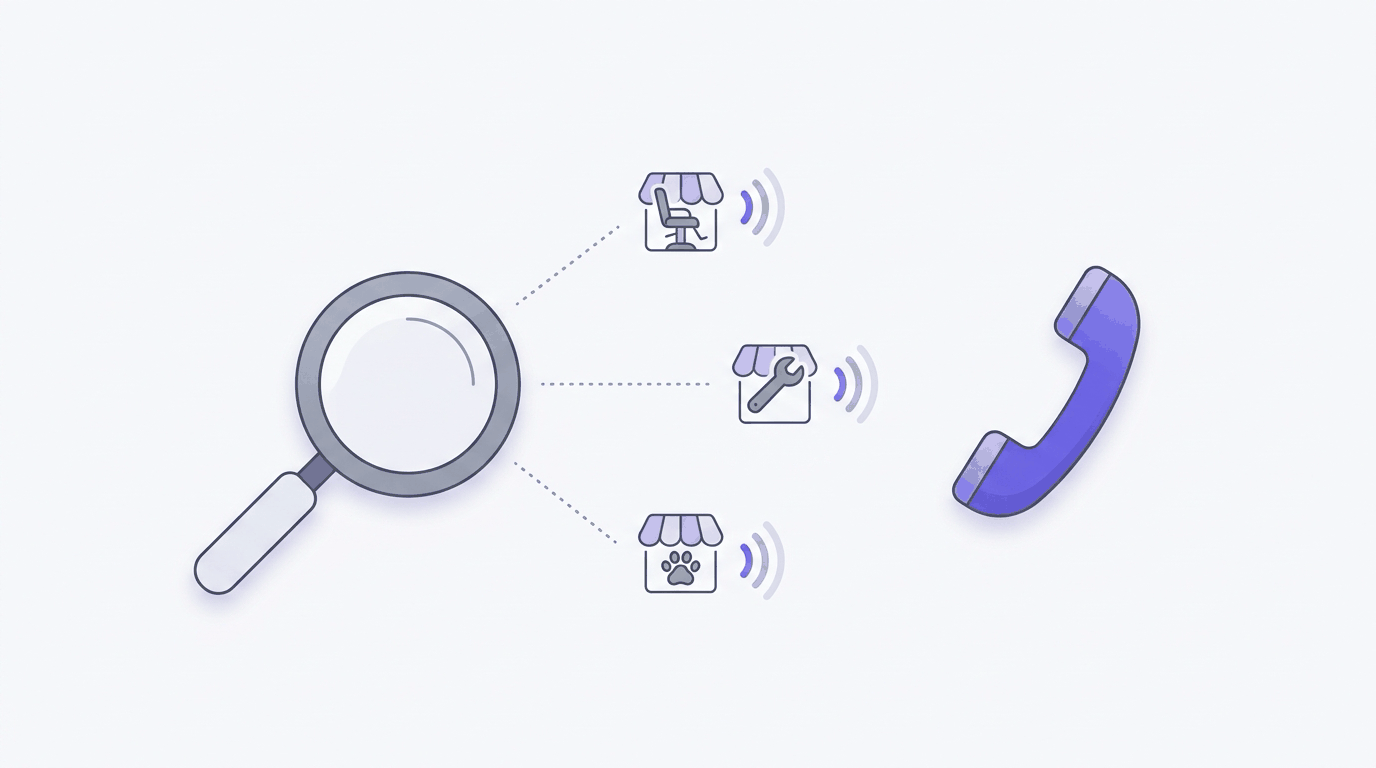
- Expanding in 2026. At I/O in May 2026, Google said users can ask Search to call businesses on their behalf in fields such as home repair, beauty and pet care, rolling out to US users from summer 2026 (GIGAZINE).
- What the calls are for: booking appointments, checking restaurant wait times, and confirming prices and availability. It’s offered in every US state except Indiana, Louisiana, Minnesota, Montana and Nebraska. Businesses can turn it off in their Business Profile (“Bookings and inquiries from customers”) or say “Please stop calling my business” on a call (Google).
At a glance
| Google business calling | Tuvoz | |
|---|---|---|
| Where you start | Google Search | Your own agent: Claude Code, Codex, claude.ai, Meta Muse or OpenClaw |
| What it can do | Ask about prices and availability; book in some categories | Errands you brief it on: book, check, cancel, ask (no sales calls, surveys or debt collection) |
| Who it calls | Local businesses Google lists for your search | A US number you choose: a listed business, your own phone, or a person you confirm agreed to AI calls |
| How calls open | “an automated system calling from Google on behalf of a user” | “Hi! I’m Jane Doe’s AI assistant, calling through Tuvoz about a dinner reservation.” Then it asks before recording |
| Questions during the call | Not described | The voice agent asks your agent; if your agent doesn’t answer, Tuvoz calls you |
| States not called | IN, LA, MN, MT, NE | IN, LA, MN, MT, NE; North Dakota listed businesses only; Texas not yet |
| Cost to you | No charge in Search; higher limits with AI Pro and Ultra | $0.12 a minute, billed per second, with a 30-second minimum per answered call leg, including calls to your own phone |
Where Google is better
- Nothing to set up. It’s in Search. You don’t need an agent, a skill or an account beyond Google.
- It shops around. Google calls several nearby businesses and sends you one summary. Tuvoz calls the numbers you choose and never looks up numbers for you.
- No per-minute charge.
- Businesses can opt out in one place, through their Business Profile. (With Tuvoz, a business says “don’t call again” or presses 9 on a call.)
Where Tuvoz is different
- Your errand, your words. Your agent writes a brief from what it knows (your calendar, the email thread, the order number), and the voice agent works from it. Google’s feature is built around price and availability checks in set categories.
- The number you pick. Call the business you already use, your own phone, or a contact who agreed to AI calls.
- Answers during the call. When the person asks something the brief doesn’t cover, Tuvoz checks with your agent, then with you by phone. See how the backchannel works.
- Works where your agent works. The call history shows up in your agent and in the Tuvoz dashboard.
Where Tuvoz is weaker
- You pay per minute. Tuvoz gives you 15 free minutes to start. Free plan includes training on your calls.
- You need to set up an agent and sign in.
- It won’t find or compare businesses for you.
- Fewer states: Tuvoz also limits North Dakota to listed businesses and doesn’t call Texas numbers yet.
Which should you pick?
For “what does an oil change cost near me?”, use Google: it’s built in and it compares for you.
For “call Luigi’s and move our Friday booking to 8, and ask if they can do a birthday dessert”, where your agent knows the details and someone may need to decide something mid-call, set up Tuvoz.
See also: Tuvoz vs Meta Muse and how to have your AI agent call a restaurant.
Sources
- Google Business Profile Help: About automated calls and texts from Google to your business
- Google's 'Ask for Me' feature calls businesses on your behalf (TechCrunch, Jan 30, 2025)
- Google rolls out AI-powered business calling feature (TechCrunch, Jul 16, 2025)
- Google Search at I/O 2026 (GIGAZINE, May 20, 2026)