Which AI agent is best for making phone calls? Claude Code vs Codex vs claude.ai vs Muse vs dots
Claude Code is the smoothest agent for phone calls today; Codex, claude.ai and Meta Muse work with more setup; ChatGPT dots isn't supported yet. The drawbacks of each, as of Oct 8, 2026.
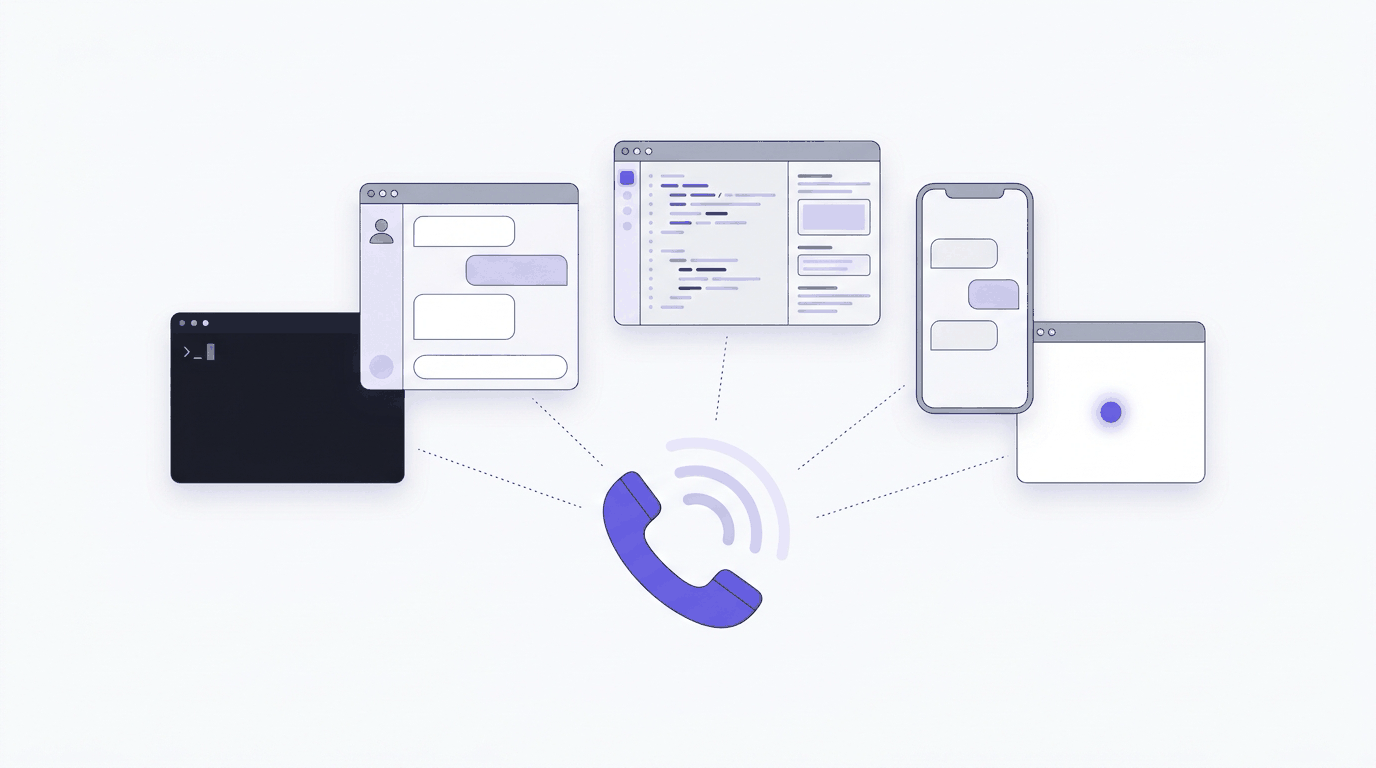
Claude Code is the smoothest agent for phone calls today: it runs the Tuvoz skill with network access and can stream call events, so it answers a mid-call question within seconds. Codex works once you approve network access, claude.ai works after you allow one domain and upload the skill, and Meta Muse works as a custom service you set up in chat. ChatGPT dots isn’t supported yet.
All of them use the same Tuvoz phone line, so the call itself sounds the same. What differs is setup, how closely the agent can watch the call, and what happens when it isn’t watching.
Why the agent matters on a phone call
A phone call doesn’t wait. When the person you’re calling asks “Can you do 7:45 instead of 7:30?”, someone has to answer while they hold. Tuvoz’s voice agent sends that question to your agent and keeps the line warm for up to 45 seconds. If your agent hasn’t checked in during the last 12 seconds, Tuvoz phones you after 3 seconds; if your agent is watching but hasn’t answered after 30 seconds, it phones you then. So the best agent for calls is the one that:
- can run the Tuvoz skill and reach the network without friction,
- can keep watching the call while it’s live, and
- knows enough about you to answer (your calendar, your email, the files you’re working on).
The short version
| Agent | Setup | How it watches a call | Biggest drawback |
|---|---|---|---|
| Claude Code | Paste one line; it installs the skill and signs in | Streams events with the Monitor tool, one line per event | Lives in a terminal on your computer |
| Codex | Paste one line; approve network access and writes outside the project | Runs tuvoz watch in a loop |
Approval prompts, and a loop that stops when the turn ends |
| claude.ai | Turn on code execution and allow api.tuvoz.io, upload the skill zip, sign in once per chat |
Runs tuvoz watch in the code sandbox |
Needs code execution and network access; Team and Enterprise admins may keep these off |
| Meta Muse | Paste one line; Muse creates a custom service and stores the key | Polls in requests of 15 seconds or less | Short polls and a chat-built integration that Meta doesn’t review |
| ChatGPT dots | Not supported yet | None yet | Coming soon |
| OpenClaw | Install the skill into OpenClaw’s skills folder and sign in | Runs tuvoz watch as a background process |
You run and secure OpenClaw yourself |
Claude Code
Best for: people who already work in a terminal or IDE.
Claude Code loads skills from ~/.claude/skills/ and picks up new ones without a restart (docs). Its Monitor tool “runs a command in the background and feeds each output line back to Claude” (docs), so tuvoz watch --stream turns each call event into a single notification. That’s the closest any agent gets to answering a question the moment it’s asked.
Drawbacks
- It runs on your computer. Close the session and Tuvoz falls back to calling your phone with questions.
- You’ll approve commands unless you allow the Tuvoz CLI in your settings.
- If
~/.claude/skillsdidn’t exist when the session started, run/reload-skillsonce.
Setup: how to enable Claude Code to make phone calls.
Codex
Best for: developers who live in Codex and want the same skill as Claude Code.
Codex loads personal skills from ~/.agents/skills (docs). By default “the agent runs with network access turned off”, and Codex “asks for approval to edit files outside the workspace or to run commands that require network access” (docs). Installing the skill, signing in and placing calls all need one of those approvals.
Drawbacks
- Approval prompts, unless you allow network access in
config.toml([sandbox_workspace_write] network_access = true). - No streaming tool, so Codex runs
tuvoz watchin a loop (it returns as soon as there’s a question). If the turn ends, questions go to your phone.
Setup: how to enable Codex to make phone calls.
claude.ai
Best for: people who don’t use a terminal.
claude.ai runs skills in its code sandbox. You upload the skill zip (Customize, then Skills, then “Upload a skill”), and code execution must be on in Settings, then Capabilities (help). Network access is on by default for individual plans, and off by default for Team and Enterprise until an owner turns it on (help). Allow api.tuvoz.io if your setting limits domains.
Drawbacks
- Sign in once per chat: the sandbox doesn’t keep credentials between conversations.
- Each check on the call is a tool call, so watching a long call uses more of the conversation than in Claude Code.
- Updating the skill means uploading the new zip.
Setup: how to enable claude.ai to make phone calls.
Meta Muse
Best for: people who want to start calls from their phone.
Muse can build a custom integration from an OpenAPI document, keep keys in its Secure Credentials Store outside the chat, and save the integration as a reusable skill (Parallel’s guide). Tuvoz plugs in that way.
Drawbacks
- Muse checks the call in short requests (15 seconds or less), so mid-call answers can take a little longer.
- Meta doesn’t review custom integrations, so you’re trusting the service you add.
- Muse is testing its own business calling too; see Tuvoz vs Meta Muse.
Setup: how to enable Meta Muse to make phone calls.
ChatGPT dots
OpenAI’s dots are always-on agents in ChatGPT with their own cloud computer. They “can use supported plugins installed and enabled for your account”, and local skills need a connected computer (docs). You can call your dot from ChatGPT, and calls started by a dot are “planned for after launch” (docs). Tuvoz doesn’t support dots yet, because it has no plugin or MCP server at launch.
Status: ChatGPT dots and phone calls (coming soon).
OpenClaw
Best for: people who run their own always-on assistant and chat with it from a messaging app.
OpenClaw reads SKILL.md skills from its skills folders and runs shell commands through its exec tool, with approval modes you control (docs). Because it runs on your own machine, it can keep watching a call in the background while you’re away from your desk.
Drawbacks
- You install, update and secure OpenClaw yourself, including which commands it may run without asking.
Setup: how to enable OpenClaw to make phone calls.
What’s the same everywhere
- Every call opens with “Hi! I’m Jane Doe’s AI assistant, calling through Tuvoz about a dinner reservation.” Then it asks: “Just so you know, Tuvoz records this call, and it may be used to train AI. Other AI companies may get a transcript with names and numbers removed. Is that okay with you?”
- Your agent shows you the brief and the number before dialing, and dials only after you say yes.
- Price: $0.12 a minute, billed per second, with a 30-second minimum per answered call leg, including calls to your own phone. 15 free minutes to start. Free plan includes training on your calls.
Ready? Paste Set up Tuvoz: https://tuvoz.io/agents into your agent, or read how to have your AI agent call a restaurant.
Sources
- Claude Code docs: Skills
- Claude Code docs: Tools reference (Monitor)
- Codex docs: Build skills
- Codex docs: Agent approvals and security
- Claude Help Center: Use skills in Claude
- Claude Help Center: Create and edit files with Claude (network access)
- How to create custom integrations with Meta Muse (Parallel)
- ChatGPT docs: Dots
- ChatGPT docs: Dots channels
- OpenClaw docs: Skills